
How to Build a Good Hotel Wi-Fi Network: A Complete Guide
94% of hotel guests rate free Wi-Fi as important or very important. A professional hotel Wi-Fi network requires the right standards, VLAN segmentation, PoE infrastructure, and proper access point placement. Here is what to get right.
For hotel guests, high-quality wireless connectivity is no longer a luxury — it is the primary criterion for evaluating in-room technology. Research consistently shows that 94% of guests rate free Wi-Fi as important or very important, and for one in three it is among the top factors in their accommodation decision.
Designing a Wi-Fi network for a hotel is fundamentally different from designing a home network — and the gap is widening as guest device density increases. A family of three who brought four devices to a hotel ten years ago now arrives with eight to ten. Conference guests stream 4K video calls while colleagues on the same floor simultaneously cast content to their room TVs.
A network designed for this environment requires a different approach from a consumer router. Here is what that approach looks like.
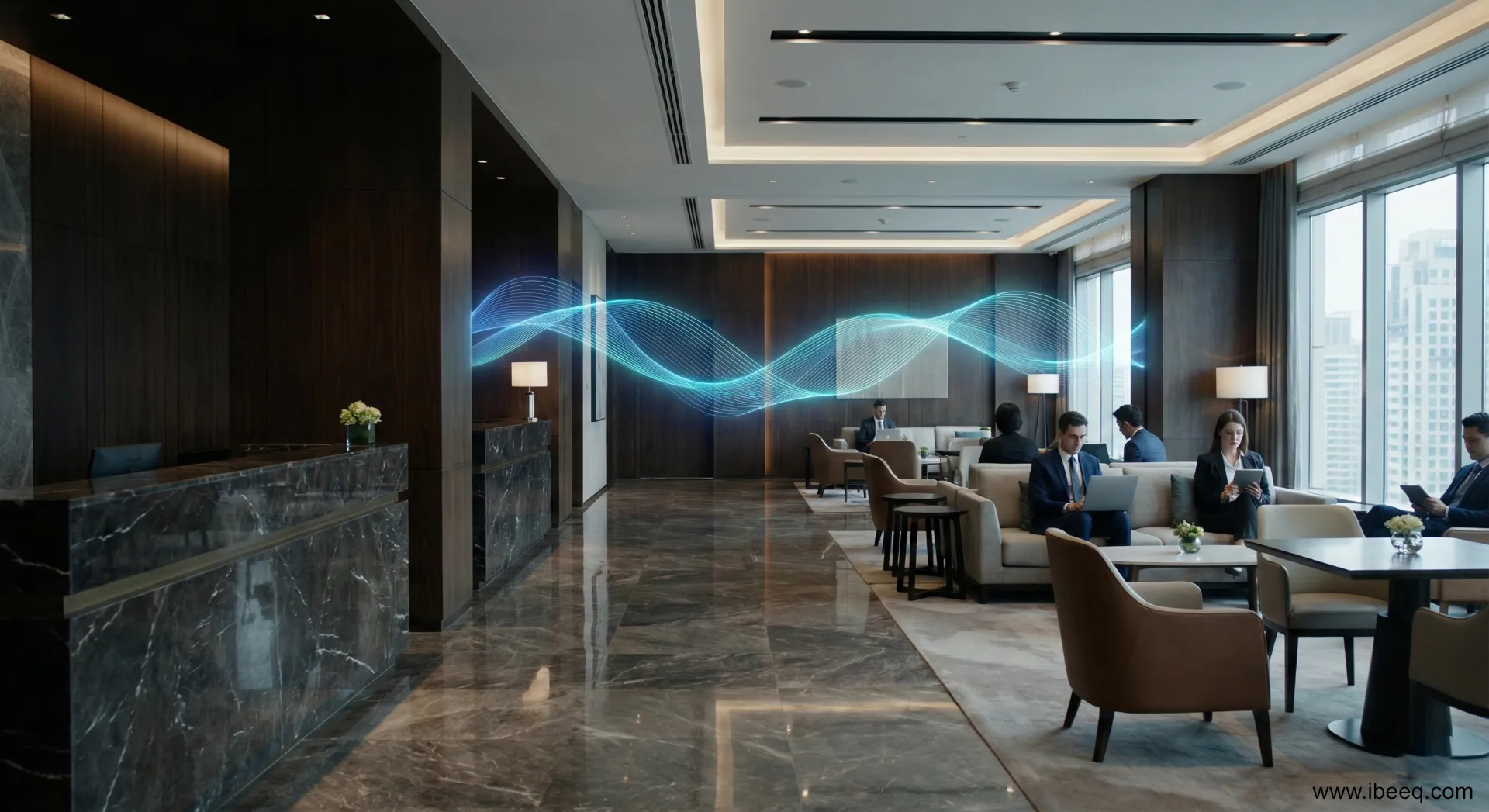
Wi-Fi Standards in 2026: Why Wi-Fi 6 is the Baseline and Wi-Fi 7 Is the Investment
Hotels are unusually demanding wireless environments: large building footprints, high concurrent user density, and thick walls with rebar that attenuate signals. The difference between Wi-Fi generations is not incremental — it directly determines how many guests can connect simultaneously without degradation.
| Feature | Wi-Fi 5 (legacy) | Wi-Fi 6 / 6E (current standard) | Wi-Fi 7 (modern) |
|---|---|---|---|
| Frequency bands | 2.4 / 5 GHz | + 6 GHz (in 6E) | 2.4 / 5 / 6 GHz |
| Concurrent capacity | Low | High | Extremely high |
| Multi-device efficiency | Limited | OFDMA (high efficiency) | MLO (multi-link) |
| IoT suitability | Poor | Good | Excellent |
Wi-Fi 6 introduced OFDMA (Orthogonal Frequency-Division Multiple Access), which allows a single access point to serve multiple devices simultaneously rather than sequentially. In a hotel corridor with dozens of active devices, this is the difference between stable and degraded service.
Wi-Fi 7 adds Multi-Link Operation (MLO), allowing devices to transmit across multiple frequency bands simultaneously. In practice: no buffering during 4K streaming or video conferences, even at peak occupancy. It also provides a dedicated, isolated band capacity that is essential for IoT devices.
A property investing in infrastructure today should deploy Wi-Fi 6E as the minimum and evaluate Wi-Fi 7 for properties with high conference or long-term-stay demand.
Network Security and Guest Authentication
Security should be the first design consideration, not an afterthought. A misconfigured hotel network exposes guests to credential theft and device-to-device attacks within what they believe to be an isolated guest connection.
The essential security architecture has three components:
Network segmentation (VLANs). The guest network, hotel operations network, and IoT device network must be fully isolated from each other. A guest on the guest VLAN should never be able to see or reach hotel management systems, building automation controllers, or other guests’ devices.
Captive portal authentication. A guest-facing login page (captive portal) enables the hotel to enforce connection terms, apply per-room bandwidth limits, and identify connecting devices. Authentication options appropriate for hotel environments include SMS verification (a code sent to the guest’s registered phone number) or single-use codes generated at check-in and printed on the welcome card.
Firmware discipline. Access points and switches should receive manufacturer firmware updates on a regular schedule. Unpatched network equipment is the most common vector for property-wide security incidents.
Infrastructure: PoE, Mesh, and Seamless Roaming
Consumer mesh systems designed for homes handle one or two users moving between a living room and a bedroom. A hotel network handles hundreds of users moving continuously between rooms, corridors, elevators, restaurants, and lobby areas — often mid-call or mid-stream.
Power over Ethernet (PoE). Professional access points receive both data and power through a single Ethernet cable. This eliminates the need for electrical outlets at each access point location, reduces installation cost, and allows access points to be mounted in optimal positions — typically on corridor ceilings, where the coverage geometry serves multiple adjacent rooms simultaneously.
Access point density. A home router covers an entire house. Hotel access points are intentionally lower-power to avoid inter-room interference, which means more of them. A rule of thumb for initial planning: one access point per 10–15 rooms in concrete-wall construction, fewer with thinner partitions. Actual placement requires a site survey with signal measurement tools — coverage maps drawn without measurement are unreliable.
802.11r (Fast BSS Transition) for seamless roaming. Standard Wi-Fi requires a device to complete a full authentication handshake every time it associates with a new access point. In a hotel, a guest walking from the lobby to their room crosses multiple access point coverage zones. Without 802.11r, each transition interrupts active connections — video calls drop, music stops, downloads restart. With 802.11r enabled, transitions are sub-100ms and invisible to the user.
Mesh as a supplement. In areas where running Ethernet cable is structurally impractical — historic buildings, covered outdoor areas, temporary extensions — wireless mesh access points bridge the gap. Modern enterprise mesh systems support automatic failover: if one node loses power, neighboring nodes reroute traffic without manual intervention.
Smart Hotel: Wi-Fi as the IoT Backbone
In 2026, a hotel’s Wi-Fi network is not only an internet access layer for guests. It is the communication backbone for the building’s smart systems: electronic door locks, thermostat controllers, motorized blinds, energy management sensors, and in-room tablet or TV control interfaces.
These IoT devices require stable, low-latency connectivity but generate relatively low data traffic. Their failure modes — a door lock that cannot receive an unlock command, a thermostat that cannot report an over-temperature alarm — are operationally critical in a way that a guest video stream is not.
Wi-Fi 7’s MLO architecture enables dedicated sub-band allocation for IoT devices, ensuring that a saturated guest network does not degrade the responsiveness of building management systems. This separation is not achievable on Wi-Fi 5 or in many Wi-Fi 6 configurations.
The investment in properly designed wireless infrastructure is therefore an investment in operational reliability — lower staff intervention, better energy management, and guest-facing smart room features that function consistently at any occupancy level.
FAQ — Frequently Asked Questions
How many access points does a 50-room hotel need?
It depends on building construction and wall materials. In concrete-wall construction, a well-placed access point reliably covers 10–15 rooms. A 50-room property typically requires 5–8 access points for complete coverage, plus additional units for lobby, restaurant, and meeting room areas. Accurate numbers require a signal measurement survey.
Is Wi-Fi 6 worth the investment for a hotel?
Yes. Wi-Fi 6’s OFDMA technology handles multiple simultaneous device connections efficiently — in a hotel where each guest connects 3–5 devices, this is a meaningful improvement in stability and throughput over Wi-Fi 5. The price premium over Wi-Fi 5 equipment has narrowed significantly, making Wi-Fi 6 the current baseline for new deployments.
How should a hotel Wi-Fi network be secured?
The minimum security architecture includes: a separate guest VLAN isolated from hotel operations systems, a captive portal for guest authentication, and regular firmware updates for all network devices. IoT devices (locks, thermostats, TV control) should be on a third isolated VLAN.
What is Wi-Fi roaming and why does it matter in a hotel?
Roaming is the process of a device transitioning between access points as the user moves through the building. Without fast roaming (802.11r), each transition interrupts active connections. In a hotel, this means dropped video calls and interrupted streams as guests walk between their room and common areas. 802.11r makes these transitions seamless and invisible.
What is a Captive Portal and how does it improve guest security?
A captive portal is the login page guests see when connecting to the hotel network. Beyond authentication, it enforces network isolation — guests on the same network cannot see each other’s devices. This prevents the most common attacks on shared hotel Wi-Fi and is a requirement for GDPR-compliant guest data handling.
iBeeQ designs, installs, and optimises hotel Wi-Fi networks across Europe — from access point placement surveys through VLAN configuration, PoE infrastructure, and cloud-managed fleet monitoring. Contact us for a free technical consultation.
Planning a hotel technology upgrade?
Our engineers have implemented hotel TV and WiFi systems across hundreds of properties in Europe. Let's talk about your project.
Contact us